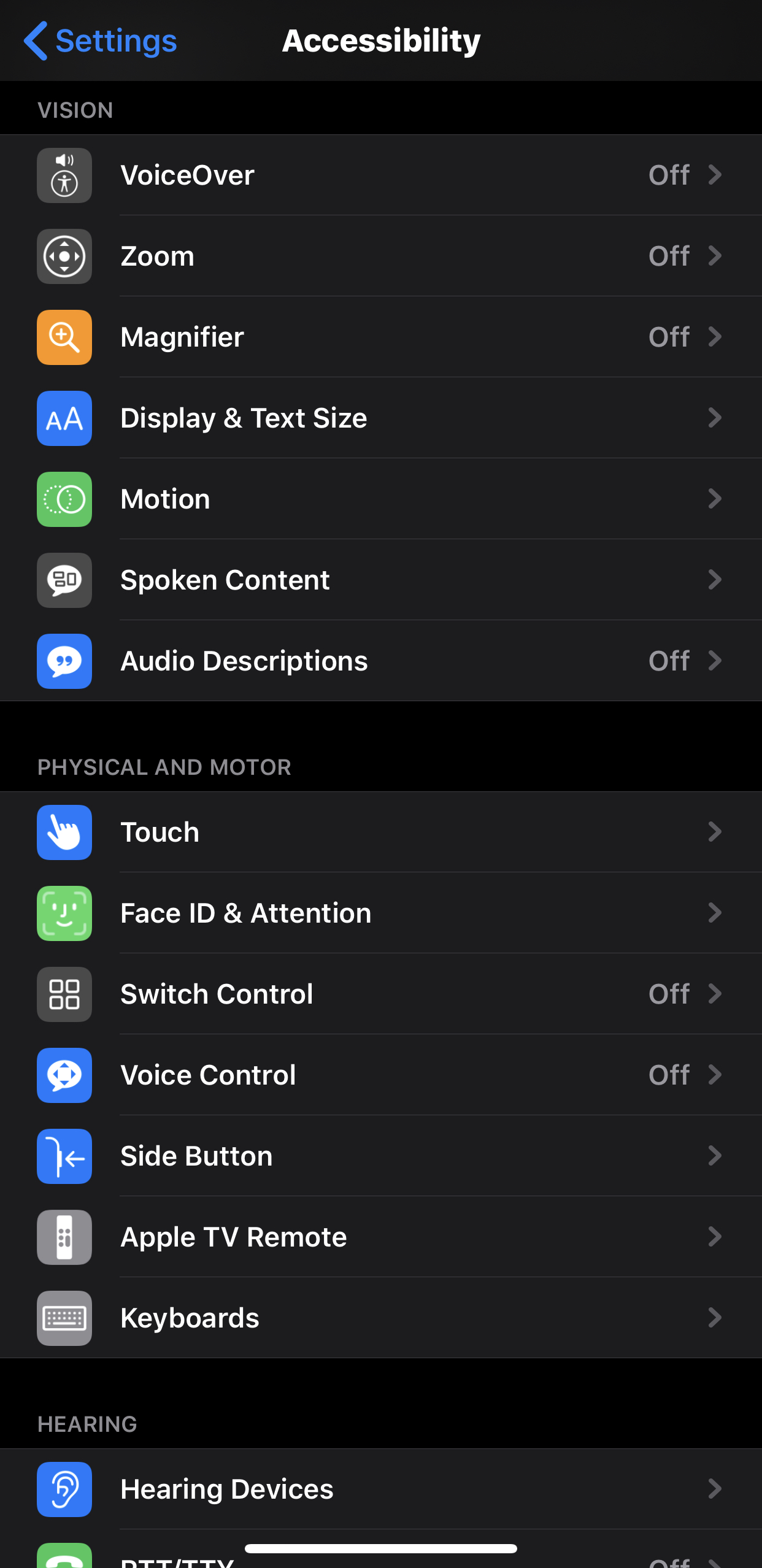
There are many assistive technology features available on iOS devices. It seems to be a mission of Apple to make their devices as accessible as possible for those with physical difficulties. They have also provided plenty of documentation and support to make users aware.
Vision Difficulties
For those with vision disabilities, Apple offers various features, including VoiceOver (screen reader), Motion (reduces motion and movement), Magnifier (turns the device into a magnifying class) and so on. These features benefit those with vision difficulty because it allows them to access text as equally as other students. This will keep them from being isolated and will turn include them in the classroom. These features can also limit eye strain and headaches, which are common with students with vision impairment (“Inclusive Teaching: Blind and Vision Impaired”).
Physical and Motor Difficulties
Also on iOS devices are various features to make their devices more accessible to those with physical and motor impairments. iOS devices allow for switches to be added via Bluetooth or MFi (Made for iPhone). The physical device itself as well as the front-facing camera can also be used as switches. Users can also change the various swipes, gestures, and haptic features to make them more accessible. You can also change the various speed settings for double-click and triple-click feedback on devices, like the side button.
There are plenty of other accessibility features available on iOS devices, which shows that as technology advances, it is becoming easier to incorporate many of the accommodations into everyday devices instead of having to rely on external instruments to provide the equality some students needs in the classroom.
References
“Inclusive Teaching: Blind and Vision Impaired.” ADCET, https://www.adcet.edu.au/inclusive-teaching/specific-disabilities/blind-vision-impaired/.
 Jared Pyles
Leave a comment